The birthday was last Tuesday. You found out from an Instagram notification. The anniversary is sometime next month — you think — and you’re going to need to dig through an old email to confirm the actual date.
You’re not careless. You’re just missing a birthday anniversary reminder that does more than fire an alert and leave you stranded. If you never miss a birthday gift, it’s because you have a system — not a better memory.
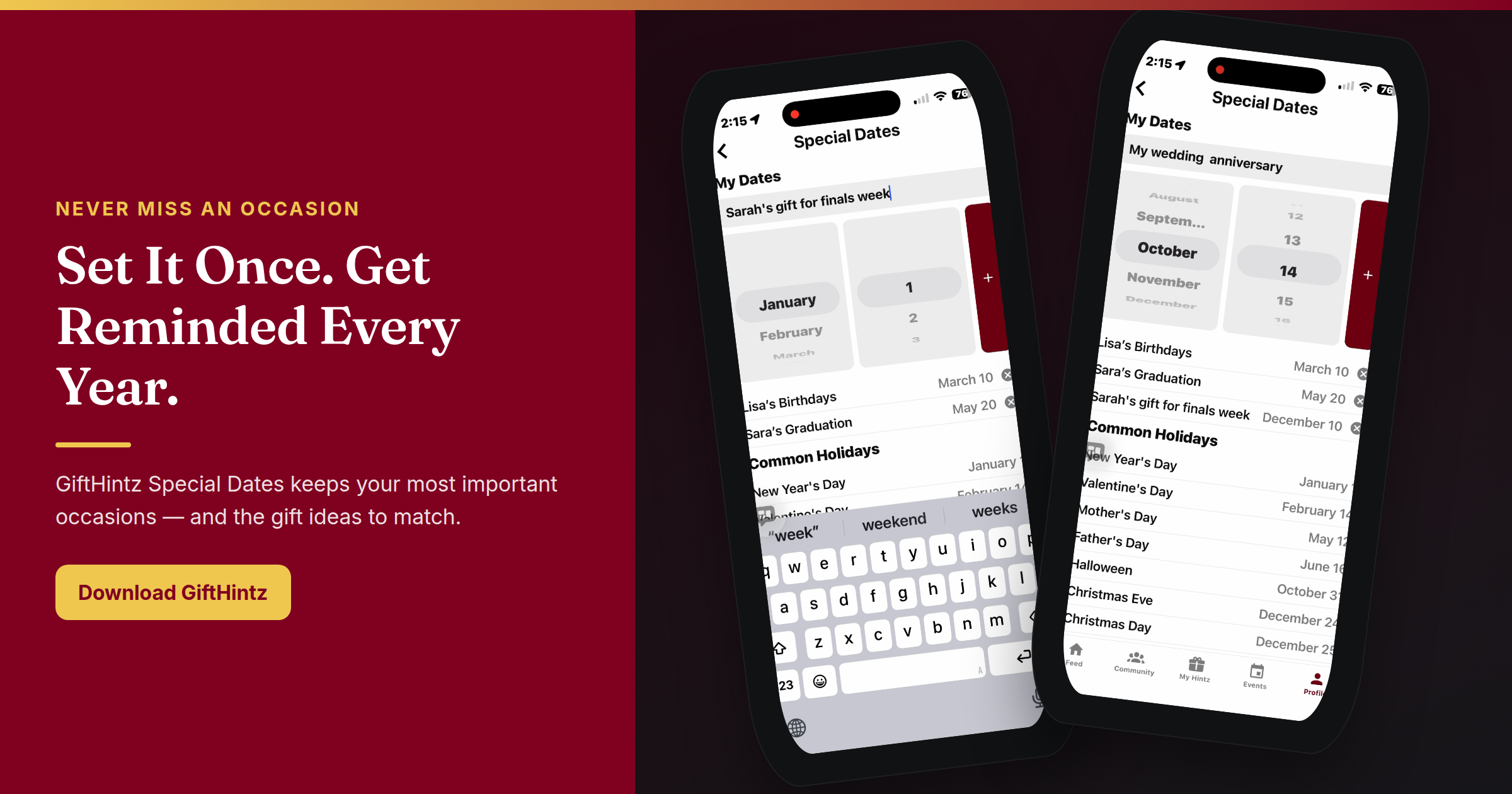
GiftHintz’s Special Dates feature is that system. The difference is what happens after the reminder.
Why a Calendar Alert Isn’t Enough
A calendar notification tells you the date. It doesn’t tell you what to buy.
You open Amazon, type "gifts for women" or "best gift for dads," and twenty minutes later you’re staring at a rooster-printed cutting board wondering if she’d use it. This is the panic-buy pipeline. It ends in returns, in gift cards from the gas station, and in that exhausted apology text: "I know it’s late — I got you something."
The problem isn’t forgetting the date. The problem is that the date reminder and the gift-finding workflow have never lived in the same place. A calendar fires and walks away. GiftHintz stays.
How GiftHintz Special Dates Works
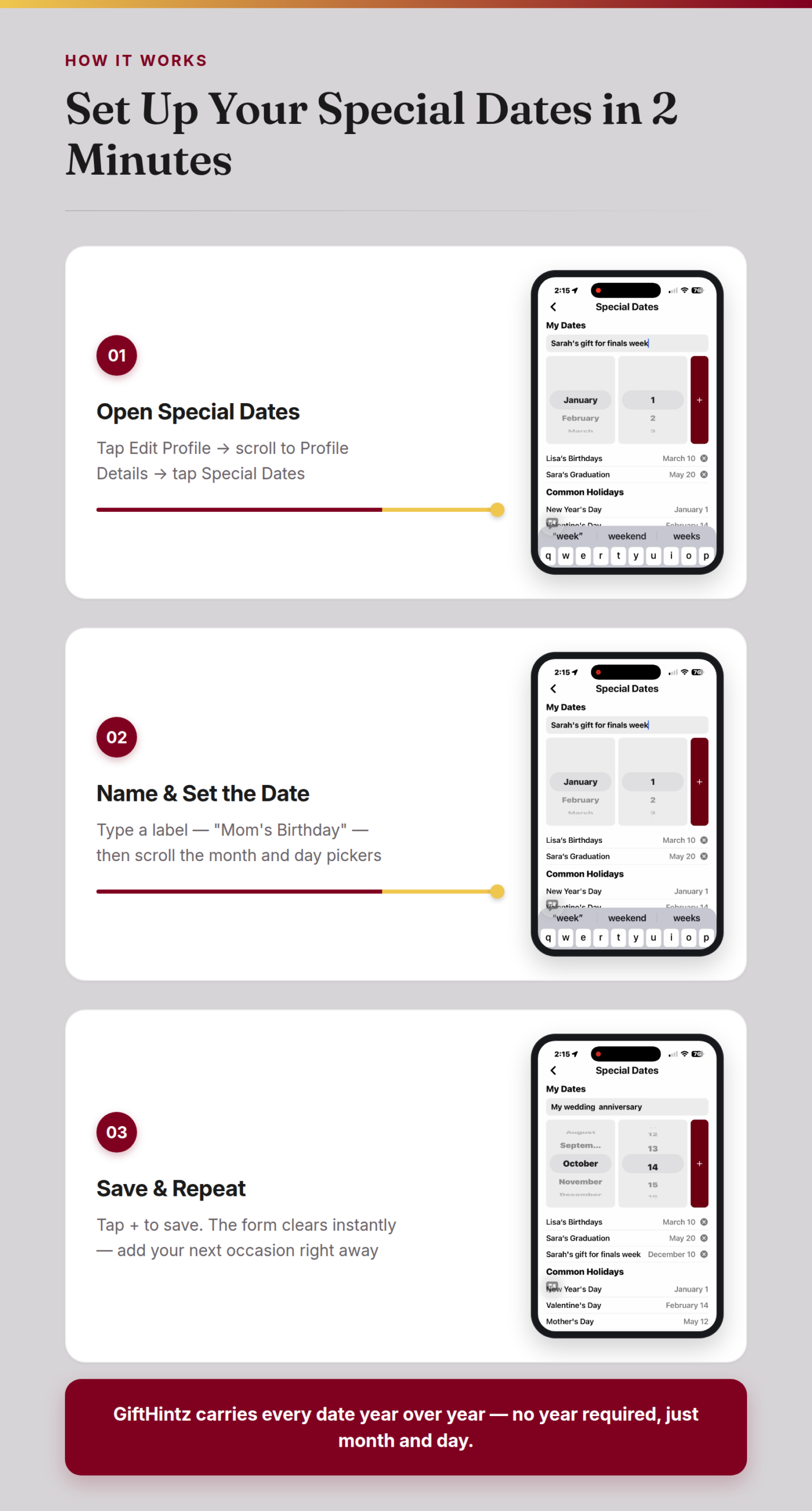
Special Dates lives in your GiftHintz profile. The setup takes about two minutes:
- Open the app and tap Edit Profile from your profile screen
- Scroll to Profile Details and tap Special Dates
- Type a label — "Mom’s Birthday," "Our Anniversary," "Jamie’s 30th"
- Set the month and date using the picker
- Tap + to save
The app carries the date year over year, no year required — just the month and day. When the occasion approaches, you get a reminder inside GiftHintz, where the next step isn’t a Google spiral but a direct path to gift ideas.
The screen recording attached to this post shows the exact flow: naming dates, scrolling the month and date pickers, saving multiple occasions. The whole setup takes less time than reading this section. You can add a second date right after the first — the form clears and you’re ready to go again.
When the Reminder Fires, You’re Already Ready

Once GiftHintz reminds you, you have two moves.
Send a Hint Request. If your person is on GiftHintz, you can send them a structured ask: select the occasion, set a budget range, and add a personal note. They get a notification, open their wishlist, and send back the things they actually want. You buy from a curated list of real preferences — not a best guess, not a department-store sweep. Purchase conversion on Hint Requests runs above 30% within 7 days because you’re buying something specific for a specific person.
Let your Personal Shopper work. No GiftHintz connection yet? Open the built-in AI Personal Shopper. You personalize it once — give it a name, choose its personality, set how many daily picks you want — and then train it over time by reacting to suggestions. Thumbs-up on the coffee table book, "not interested" on the tech gadget. Over weeks, it builds a picture. When the reminder fires and you have no idea where to start, your Personal Shopper has already been thinking ahead.
The combination is the point. Special Dates isn’t just a reminder — it’s the front end of a workflow that ends with a gift they’ll actually want.
How the Flow Looks in Real Life
You add your sister’s birthday as a Special Date in October. In late November, GiftHintz reminds you. You’ve been meaning to ask what she wants — so you send a Hint Request with a $75 budget and a note: "Something for the kitchen or your workout routine." She gets a notification, opens her wishlist, picks three items she’s been eyeing, and sends them back. You choose the one that fits your budget. Done in under five minutes.
Or: she’s not on GiftHintz yet. You open your Personal Shopper instead. You’ve been feeding it her taste for a few weeks — reacting to daily picks, flagging things that are very her and things that aren’t. It pulls ten suggestions. You screenshot two, send them to her partner, get a thumbs-up on one. Gift ordered.
No group-chat spiral. No December 23rd mall panic. No apologetic text attached to a generic gift card.
Set It Now — Not When You Need It
The only way this system works is if you add the dates before you need the reminder. That’s ten minutes today for a year of never fumbling again.
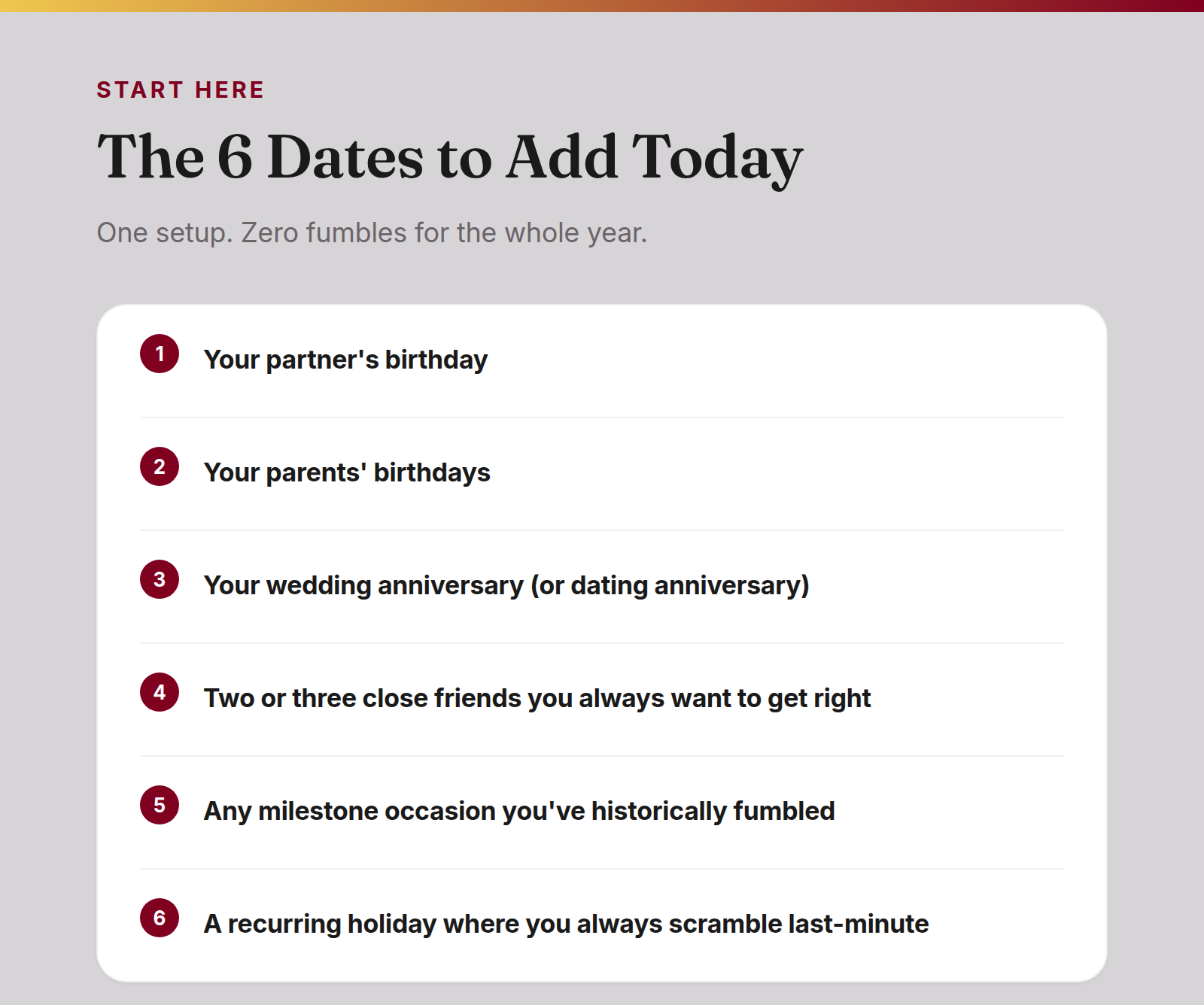
Start with the five or six dates that matter most:
- Your partner’s birthday
- Parents’ birthdays
- Your anniversary
- Two or three close friends you always want to get right
- Any recurring occasion you’ve historically fumbled
One-time setup. The app carries them every year from here.
The People Who Always Get Gifts Right Have a System
It’s not willpower. It’s not a better memory. It’s a setup that converts good intentions into a gift that actually lands.
Special Dates is the reminder. Hint Request is the research. Personal Shopper is the backup. Together, they close the gap between "I meant to get something great" and a gift they’ll use, keep, and remember.
Download GiftHintz from the app store.