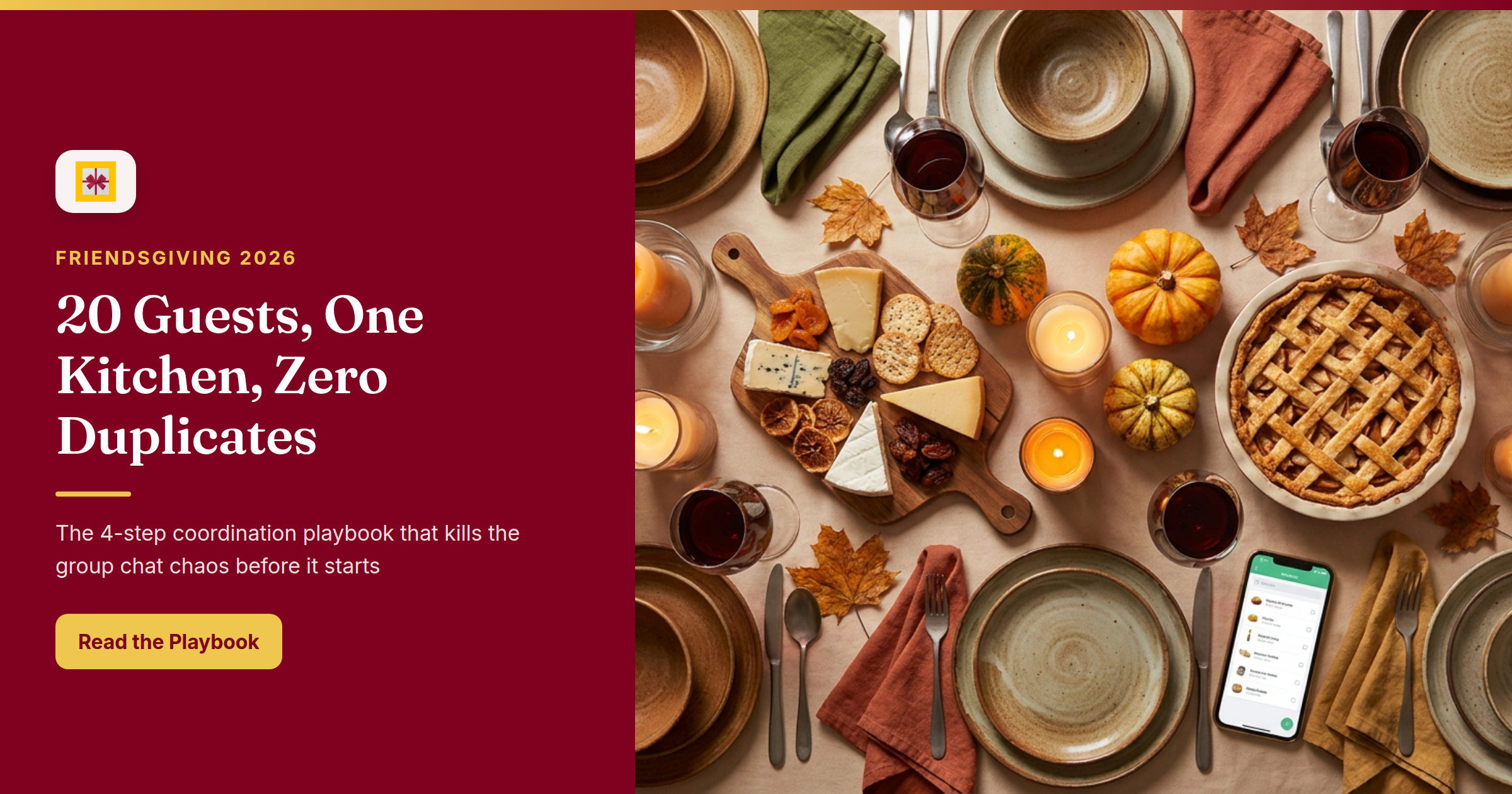
The moment you volunteer to host Friendsgiving, three things happen: everyone says yes immediately, someone sends a "what should I bring?" text at 11:45 pm, and two people silently commit to the same green bean casserole.
Friendsgiving party coordination is where good intentions collide with zero infrastructure. You’ve got 20 guests, one kitchen, and a group chat that’s three messages away from becoming ungovernable. This playbook fixes that — four steps, one app, and a dish board your whole crew can actually read.
The Real Friendsgiving Party Coordination Problem
Hosting isn’t a cooking challenge. It’s a logistics puzzle.
Who’s bringing what? Who just went plant-based? Who RSVPed but didn’t mention they’re now bringing a plus-one? And at what point did the group chat become a 60-message debate about pie flavors?
The coordination overhead — tracking dietary restrictions, managing dish assignments, nudging the four people who haven’t responded — can eat more hours than the actual meal prep. The result is a host who’s exhausted before the first guest walks through the door.
The fix isn’t a better spreadsheet. It’s moving the coordination to one shared surface — the same way a holiday potluck coordination app replaces a chaotic sign-up Google Doc.
Step 1: Create Your Friendsgiving Event and Send Real Invitations
Before the group chat gets a chance to spiral, build your event on GiftHintz.
Open the app, tap Events, and hit Add Event. Choose an invitation card from the library (seasonal templates included), fill in the date, time, and location, then invite guests directly from your contacts. GiftHintz sends each person a digital invitation via email or SMS — an animated envelope that opens into a full event page, not a calendar link they’ll forget to check.
One toggle to hit before you send: Include Wishlist. That’s what transforms your event from a party invite into a coordination command center. More on that next.
Result: every guest has a working RSVP link. No "did you get my text?" follow-ups. The group chat stays social.
Step 2: Turn the Wishlist Into Your Dish Sign-Up Sheet
Here’s the part that changes how Friendsgiving works.
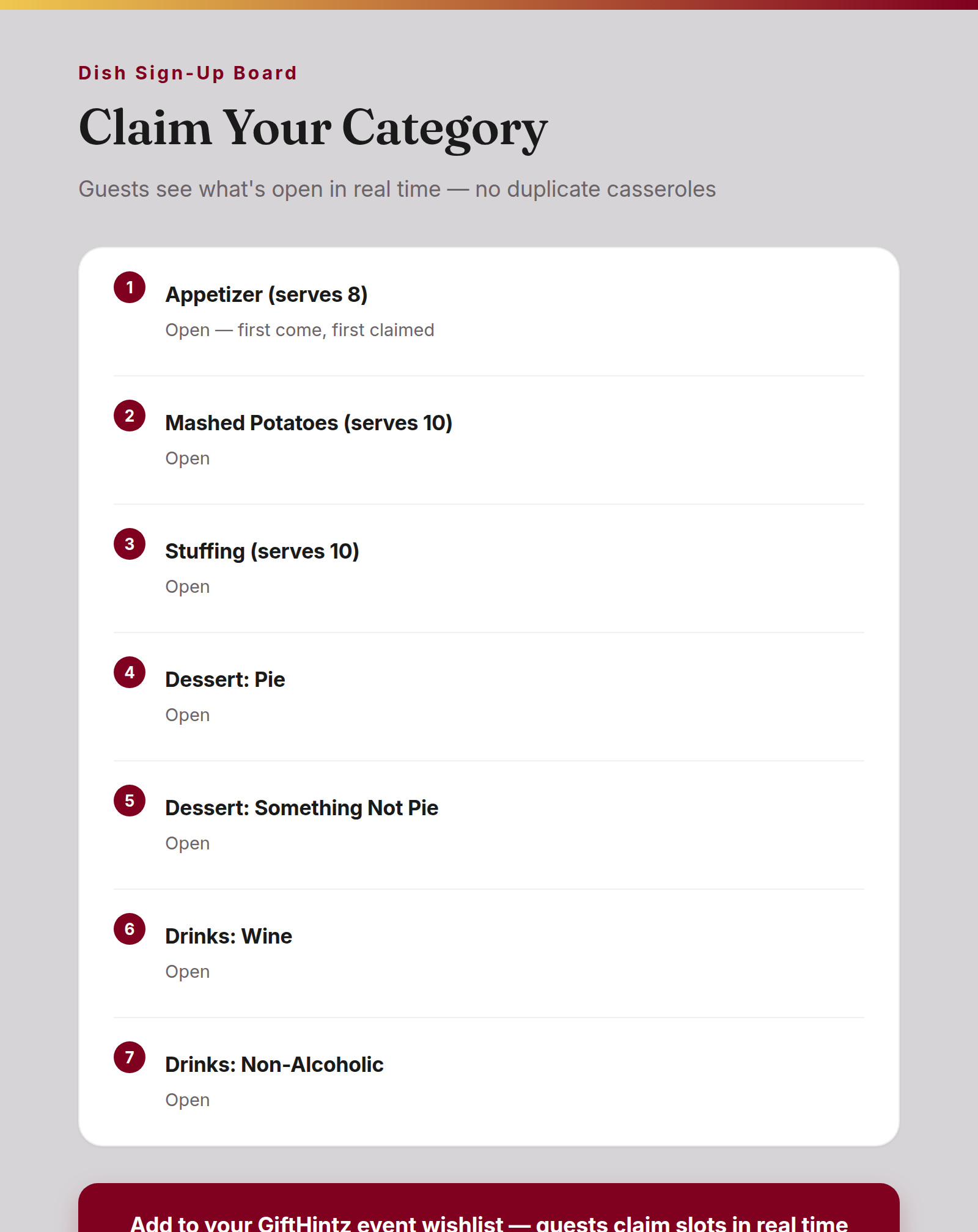
GiftHintz’s event wishlist was built for gift registries. For Friendsgiving party coordination, repurpose it as a dish sign-up sheet. Add an entry for each food category you need covered:
- Appetizer (serves 8)
- Mashed Potatoes (serves 10)
- Stuffing (serves 10)
- Dessert: Pie
- Dessert: Something Not Pie
- Drinks: Wine
- Drinks: Non-Alcoholic
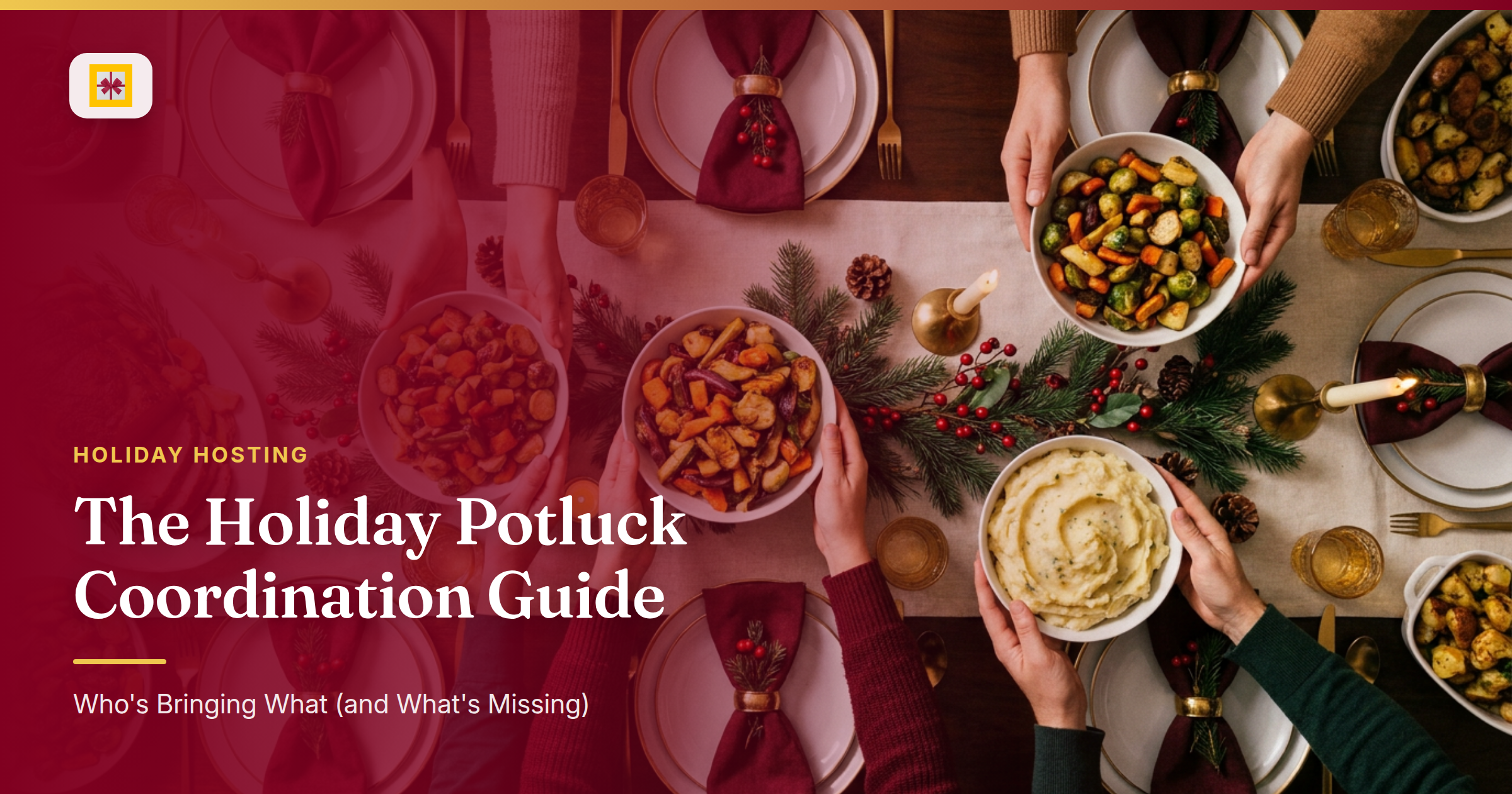
When guests open their invitation and navigate to the wishlist, they see exactly what’s already claimed and what’s still open. They pick a slot. Nobody brings a third mac and cheese because they can see two are already on the list.
This solves the core potluck coordination problem that no group chat ever has: giving every guest a real-time view of the dish board before they commit. (If your crew also does a holiday bake exchange, the same logic applies — see our cookie swap party guide for how to coordinate that without a spreadsheet.) The "what should I bring?" texts stop coming because the answer is right there.
Step 3: Track RSVPs — Including the Details That Actually Matter
GiftHintz’s RSVP flow captures more than a yes/no. When guests respond, they specify how many adults and children they’re bringing and can leave a private message for the host. That message field is where the useful coordination actually happens:
"Bringing my partner."
"I’m gluten-free this year — I’ll handle my own side."
"Running 20 minutes late, start without me."
As host, you see all of this in the Guest List panel: response status, attendance counts, dietary notes, and messages — organized in one view. Your headcount is live. You’re not reverse-engineering it from a thread.
The friendsgiving planning 2026 challenge isn’t finding the right recipe. It’s knowing, three days out, whether you’re feeding 18 people or 24. GiftHintz’s attendance tracking gives you that answer without a single follow-up message.
Step 4: Pool a Host Gift — or Accept One Graciously
If your crew wants to show appreciation for the host, this is where group event planning gets its final piece. Enable Group Gifting on one item in the event wishlist: a premium cookware piece, a restaurant gift card, a spa afternoon. Guests contribute whatever they’re comfortable with — and if you’re unsure about the etiquette of asking for contributions, our group gifting etiquette guide covers all the social norms. The amounts pool toward the target. No spreadsheet. No awkward Venmo math.
And if you’re the one organizing a gift for someone else’s occasion — like coordinating a Thanksgiving host gift from a group — this is how you replace the chaotic collect-then-reimburse cycle with something that actually closes.
How This Works in GiftHintz
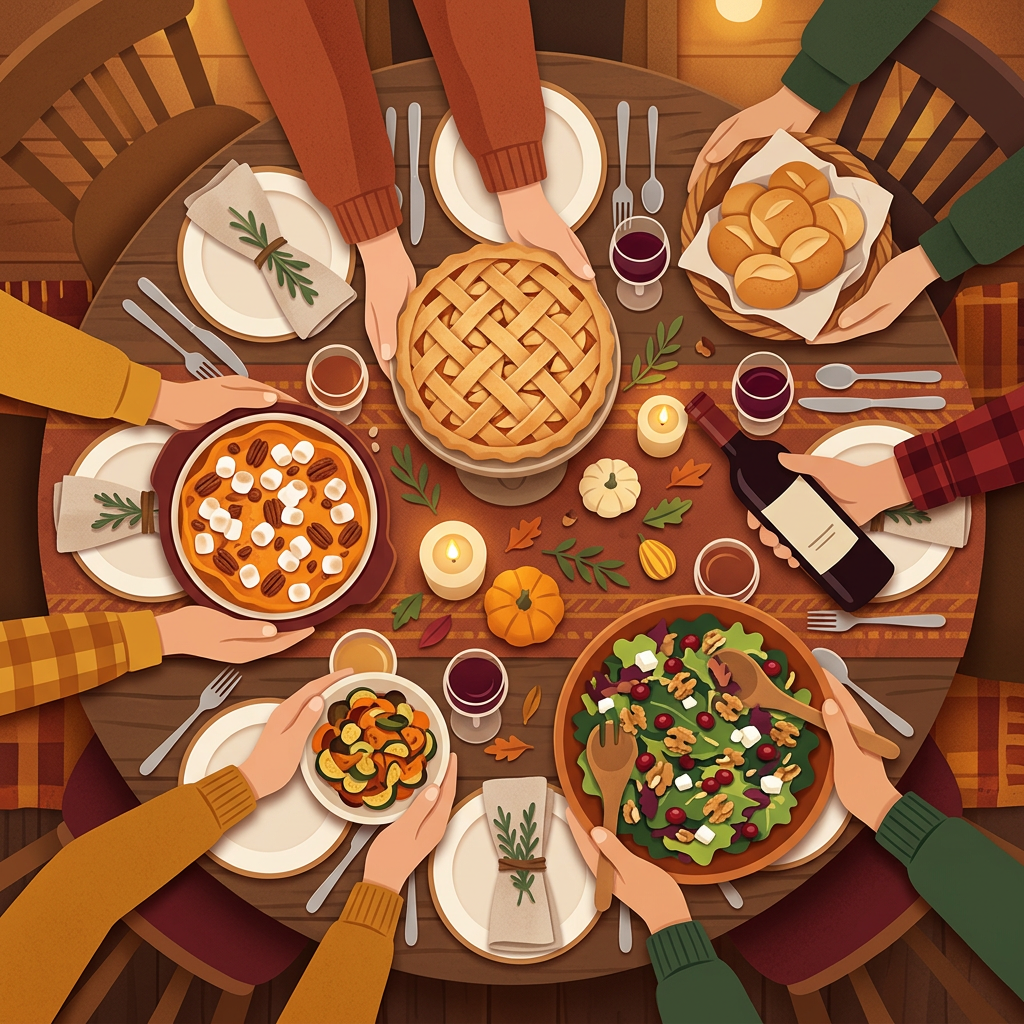
The complete Friendsgiving coordination flow, from decision to day-of:
- Create event → choose a card template, enter date, time, and location
- Enable wishlist → toggle "Include Wishlist" before sending invitations
- Build the dish board → add one entry per food category needed
- Send invitations → guests receive email or SMS with RSVP link and wishlist access
- Track responses → review Guest List for headcounts, dietary notes, and private messages
- Enable Group Gifting → add a host-appreciation item guests can fund together
- Share one link — not six
The thanksgiving coordination problem isn’t that tools don’t exist. It’s that the tools are scattered: an invitation in one place, a sign-up sheet somewhere else, a Venmo thread for the gift, and a group chat holding the rest together with duct tape. GiftHintz collapses that stack into one event that handles all of it.
The Day-Of Advantage
On Friendsgiving morning, you’re not searching through threads to remember who’s vegan. You’re not texting four people to confirm they’re still coming. Your guest list is in the app. Your dish board is filled in. The headcount is current.
That’s what Friendsgiving host tips usually skip: the real win isn’t the menu. It’s knowing, with actual confidence, that 20 people are showing up, no category is doubled, and someone remembered the rolls.
Create your Friendsgiving event on GiftHintz, add a dish sign-up wishlist, and share one invitation link — no duplicate casseroles, no forgotten rolls, no group-text chaos. And when the holidays arrive and you need inspiration for the actual gifts, our guide to the impossible-to-buy-for giftee has you covered.