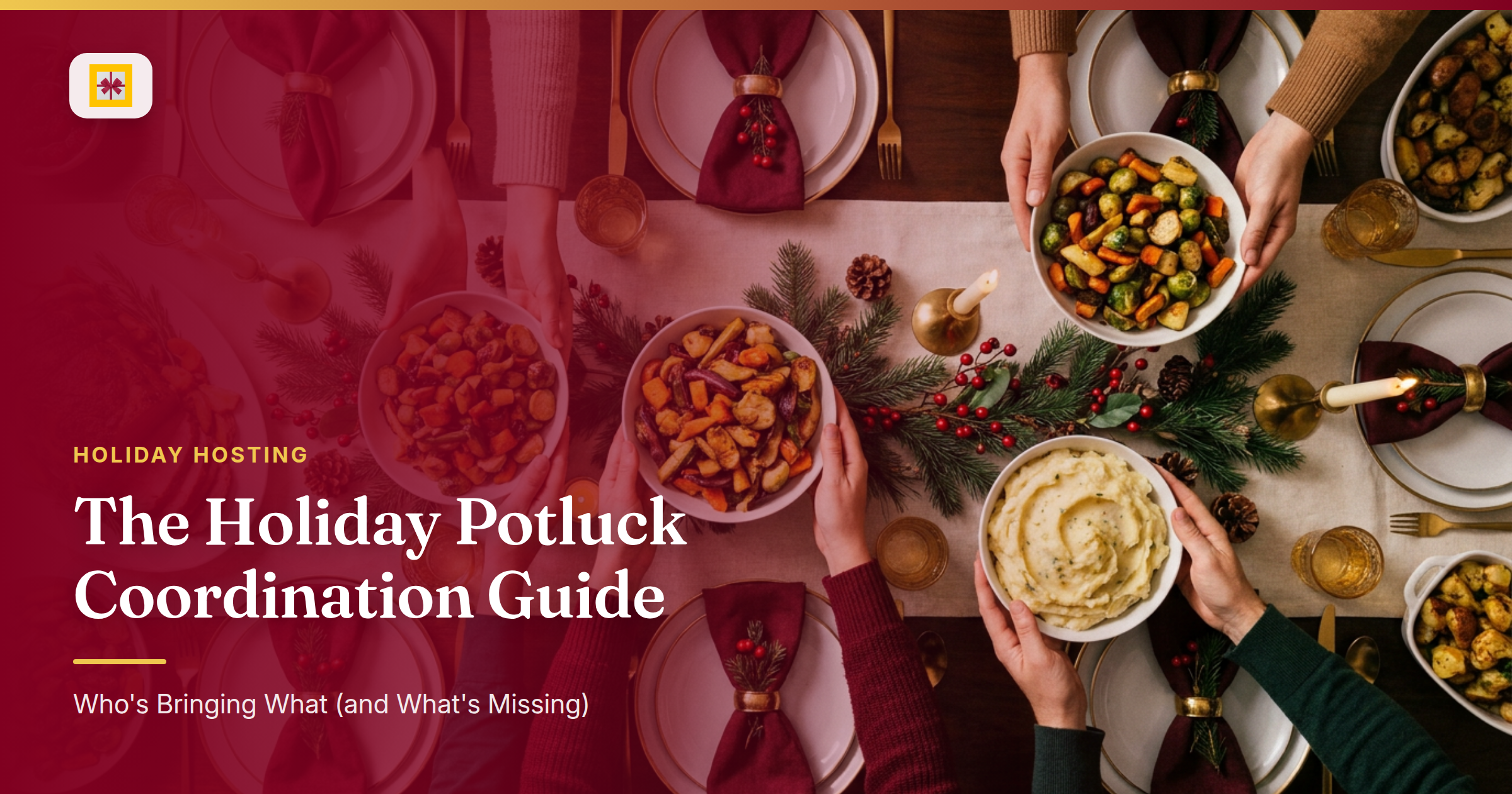
The group chat goes out at 11pm the night before. Four people show up with stuffed mushrooms. The host has three bottles of wine but zero dinner rolls, and nobody thought to ask about the vegetarian at table three. This is not bad luck — it’s a holiday potluck coordination failure, and it’s completely preventable before invitations even go out.
Here’s the system that actually works: five food categories, one RSVP deadline, and a single link your guests can check at any time to see the full picture.
The Five-Category Fix for Holiday Potluck Coordination
The root cause of every duplicate-dish disaster is the open-ended ask. "Bring something to share" is not a coordination strategy — it’s a recipe for four pecan pies and zero bread.
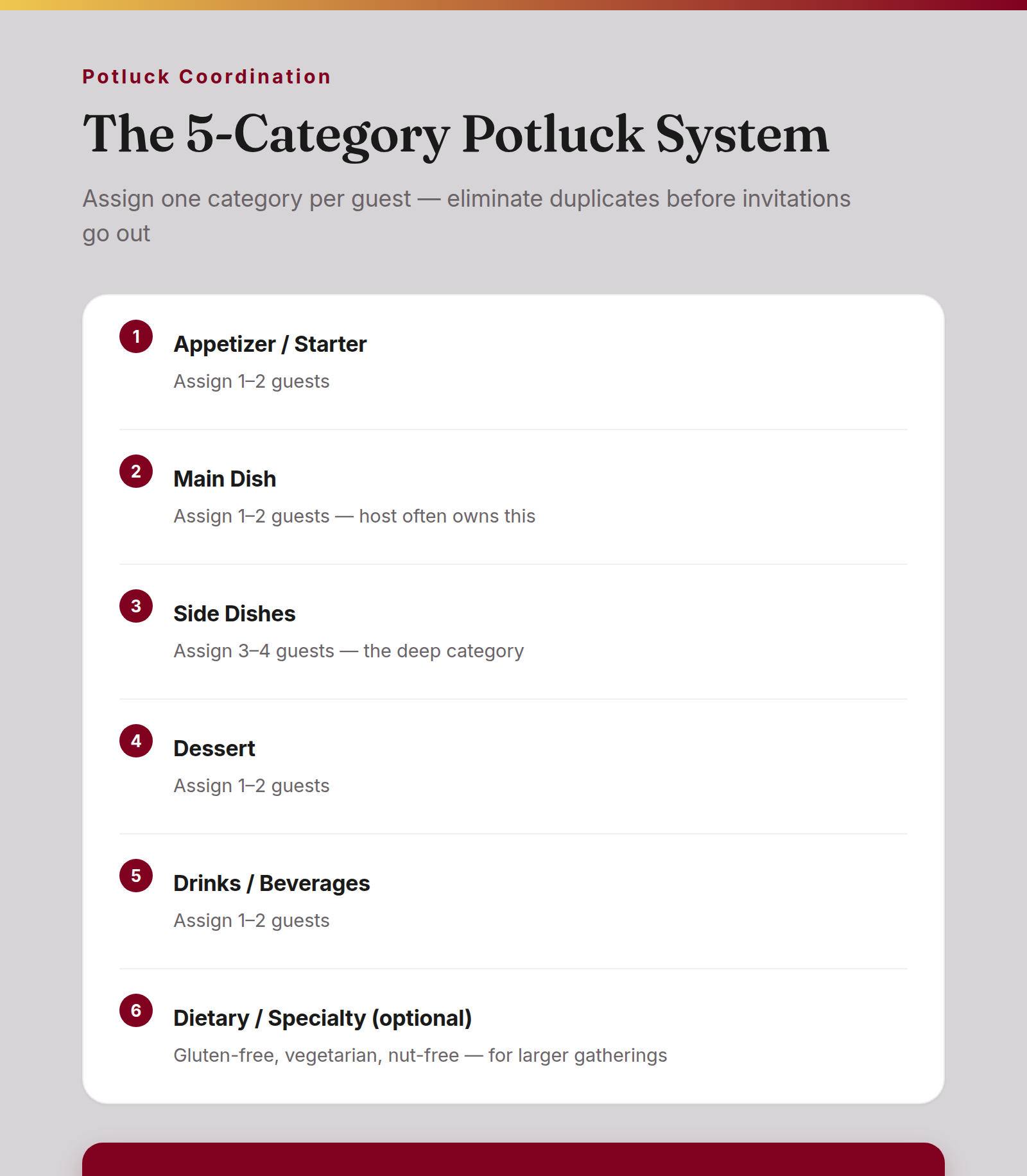
Before you send a single invitation, divide the table into five categories:
- Appetizer / starter — assign 1–2 guests
- Main dish — assign 1–2 guests; you, as host, often own this one
- Side dishes — assign 3–4 guests; this is the deep category where most guests land
- Dessert — assign 1–2 guests
- Drinks / beverages — assign 1–2 guests
Each guest gets one category. That’s the rule. It removes the guesswork for them and eliminates the duplication problem for you. When someone texts "what should I bring?" you have a three-second answer: "Sides — we still need a vegetable and a starch."
For larger gatherings, add a sixth lane: Dietary / Specialty — gluten-free, vegetarian, nut-free. Guests who cook with restrictions often prefer this slot anyway; it gives them ownership over something they’re genuinely good at.
The Potluck Sign-Up Deadline That Saves the Week Before
For a December gathering, your RSVP deadline should land no later than two weeks out — earlier if your crowd includes people with long commutes or complicated family schedules. The deadline isn’t bureaucratic formality. It’s what lets you fill open category slots before you’re in the week of the event, when every calendar is impossible.
Work backward from your event date:
- T-minus 14 days: invitations sent, categories visible to all guests
- T-minus 10 days: RSVP deadline; all food assignments confirmed
- T-minus 7 days: host fills any unclaimed slots; no more open categories
- T-minus 2 days: final headcount locked for table setup and serving sizes
- Day of: everyone arrives knowing exactly what they’re contributing
The most common who-brings-what potluck failure isn’t laziness — it’s that assignments were never visible upfront. People don’t volunteer for the slot they’d be best at; they wait to see what’s left, then default to wine. (If you’re also running a holiday cookie swap this season, the same coordination logic applies there too.)
The Dietary Restriction Conversation (Handled Before It Becomes a Day-Of Problem)
There is a right time to ask about dietary restrictions, and it’s the moment the invitation goes out — not the morning of the event.
Build the ask directly into your invitation message: "Let me know any dietary restrictions when you RSVP so I can plan assignments accordingly." One sentence. It surfaces the information you need to organize categories intelligently, and it signals to guests with restrictions that they won’t be picking at the garnish.
For your own menu planning as host: if you own the main dish, you control the biggest variable on the table. Design your main to accommodate the most common restrictions in your group — a vegetarian option alongside the protein — and let the side and specialty categories handle the rest. Holiday dinner planning that front-loads dietary questions runs visibly smoother than one that discovers them at the table.
How GiftHintz Turns the Whole Coordination Into One Link
Holiday potluck coordination lives and dies on shared visibility. Everyone needs to see the same assignment list in real time — not a screenshot of a spreadsheet that was already out of date when it landed in the chat.
Create your holiday potluck event on GiftHintz and use the event list to track exactly who’s bringing what. Under the Events tab, create a new event invitation, then toggle Include Wishlist before you send. Each item on the wishlist becomes a category slot. Label them exactly: Appetizer, Side: Vegetable, Side: Starch, Dessert, Drinks. As guests RSVP and claim their lane, the list updates in real time. Anyone who opens the link sees the current state of the table — no group chat, no spreadsheet, no "wait, did you say you were bringing salad or potatoes?" It’s the same logic behind modern group gifting etiquette — shared visibility removes the awkwardness before it starts.
The "host needs" wishlist is where the real efficiency lives. Every potluck host is running a quiet list of things they’re short on: the trivet that’s at a neighbor’s house, a serving spoon for the cranberry sauce, cocktail napkins, an extra extension cord for the warming tray. Add these to the event wishlist instead of texting six different people. Guests who want to bring something small for the host — a gesture they’d make anyway (and one that works far better than the generic host gift bottle of wine) — can see exactly what’s useful. It redirects "I’ll just grab wine" toward items that actually help the day run.
How This Works in GiftHintz
Here’s the exact host flow:
Open the app, tap Events, and hit Add Event. Choose an invitation card, fill in the event name — "Sullivan Holiday Potluck 2026" — set the date and location, and add your guest list. Before you send, toggle Include Wishlist. This activates the event list where your food categories will live.
Once the event is created, add your five category items to the list with brief notes: "Vegetarian side dish, serves 8" is more useful than just "Side." Guests receive their invitation with the event list visible, claim their category directly in the app, and the host sees assignments update without a single follow-up message.
If a guest confirms late, you can add them to the existing event without notifying everyone who’s already responded — only the newly added guest receives an invitation. No second notification wave for the people who’ve already sorted their dish.
The One Thing Hosts Forget Until the Day Of
Food categories cover the visible table. The invisible side of a christmas potluck is the equipment: the serving dishes nobody brought because everyone assumed the host had them, the folding table that’s in someone else’s garage, the chafing dish for the potatoes.
Walk through your event mentally the week before and ask: What breaks if no one brings it? That’s your host needs list. Add it to the event wishlist and let guests see it. The people who would have texted "is there anything I can bring?" now have a real answer — and you get the trivet back by 6pm.
The goal of a well-coordinated potluck isn’t to control every dish. It’s to ensure the table is full and nothing important is missing. That result doesn’t happen by accident. It happens because someone did the quiet coordination work in advance — the same kind of intentional gift planning that turns even the hardest-to-buy-for people into easy wins, with a potluck coordination tool that keeps every guest looking at the same list.
Create your holiday potluck event on GiftHintz — set up food categories on the event list, add a "host needs" wishlist — and send one link so guests can see who’s bringing what.