You know how it goes. Someone in the group chat types “should we all chip in for something?” and then … silence. Three days later someone Venmos $30 to the person who remembered to follow up. Two people never paid. Nobody agreed on the item. The bride gets a gift card with a sticky note that says “from all of us!” and everyone feels mildly bad about it.
Wedding party group gift ideas shouldn’t require a project manager. But without the right tool, that’s exactly what you become.
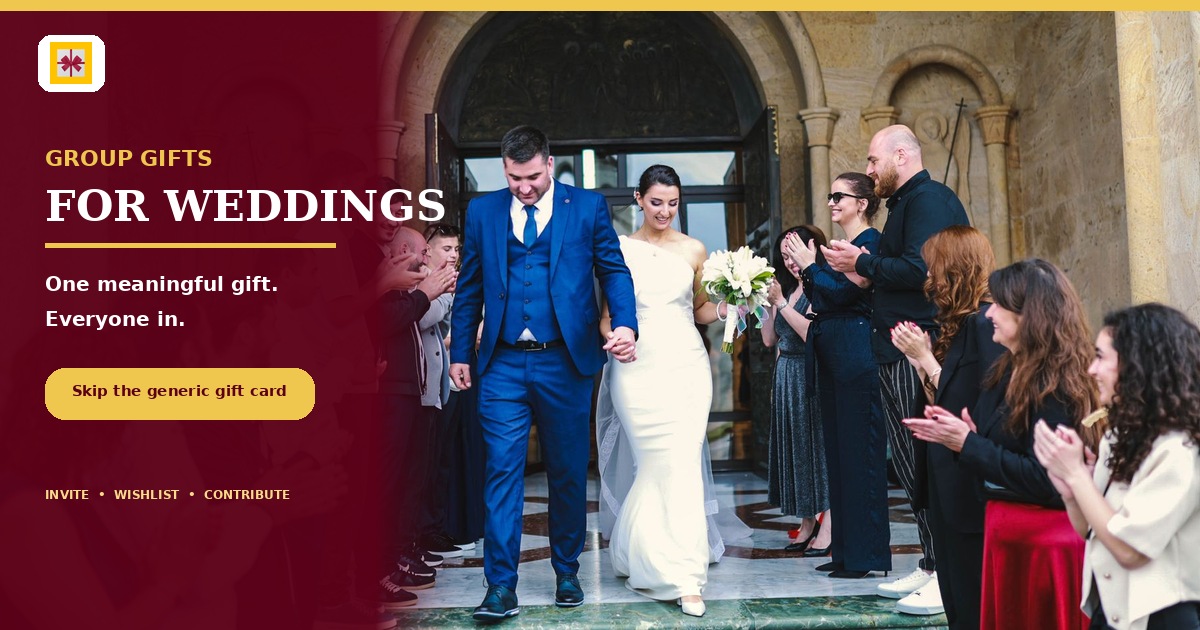
GiftHintz was built for exactly this coordination problem — not with a rickety spreadsheet workaround, but with an end-to-end event and group gifting flow designed for the moment your whole crew wants to show up for someone they love.
Why Group Gifts for Weddings Keep Failing
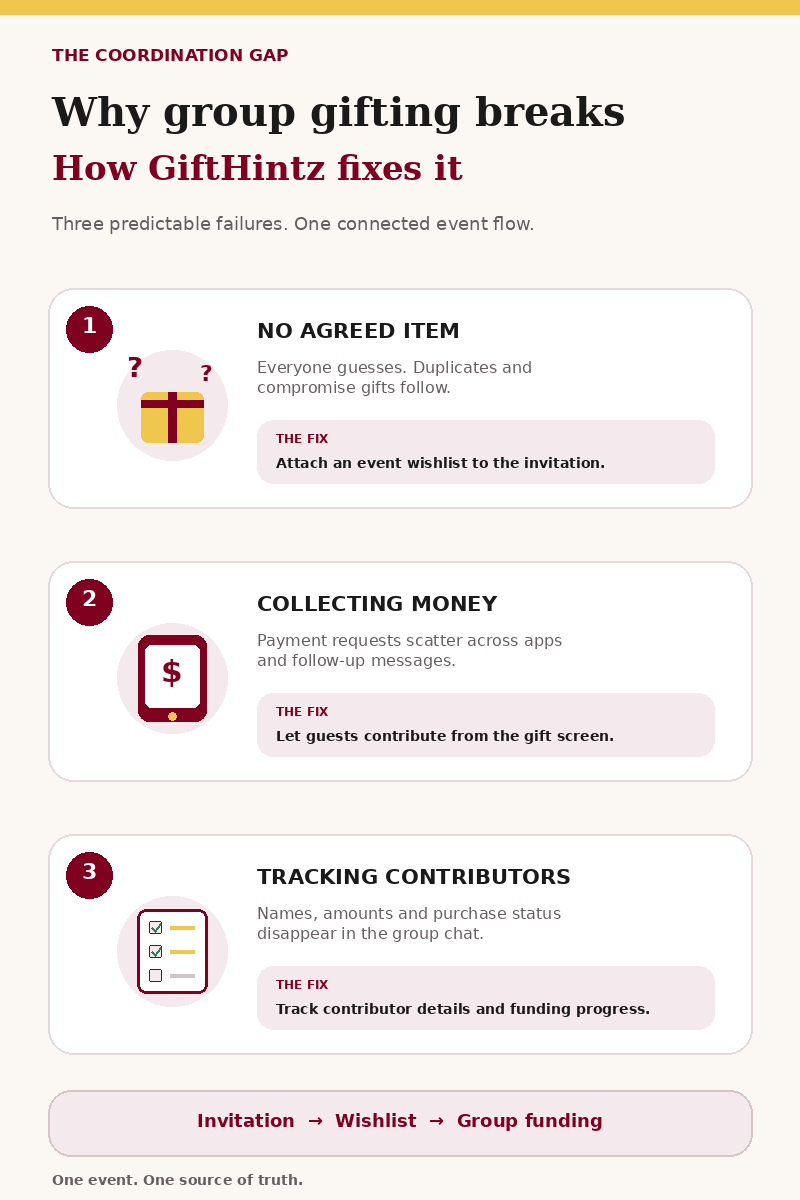
The problem isn’t generosity. Everyone in the wedding party wants to give something meaningful. The problem is logistics — and the three places coordination falls apart every single time.
Deciding on the item. Without a wishlist attached to the event, everyone is guessing. Someone buys a duplicate. Someone else gives something the couple will return. The absence of a declared preference creates a vacuum that gets filled with compromise gifts — things that feel safe but aren’t personal.
Collecting the money. Venmo requests feel transactional. Some guests contribute immediately, others need a follow-up, and one person always claims they “sent it already.” The organizer becomes the awkward bill collector at their own celebration.
Tracking who’s in. By the time the wedding date arrives, nobody remembers who contributed, by how much, or whether the gift was ever purchased. The thank-you notes become a guessing game.
GiftHintz collapses all three problems into one coordinated flow — invitation, event wishlist, and group funding in a single loop.
The Wedding Party Playbook: Step-by-Step with GiftHintz
Here’s how to set up a proper wedding party group gift from scratch, without a single Venmo request or group-chat polling thread.
Step 1 — Create the Event Invitation
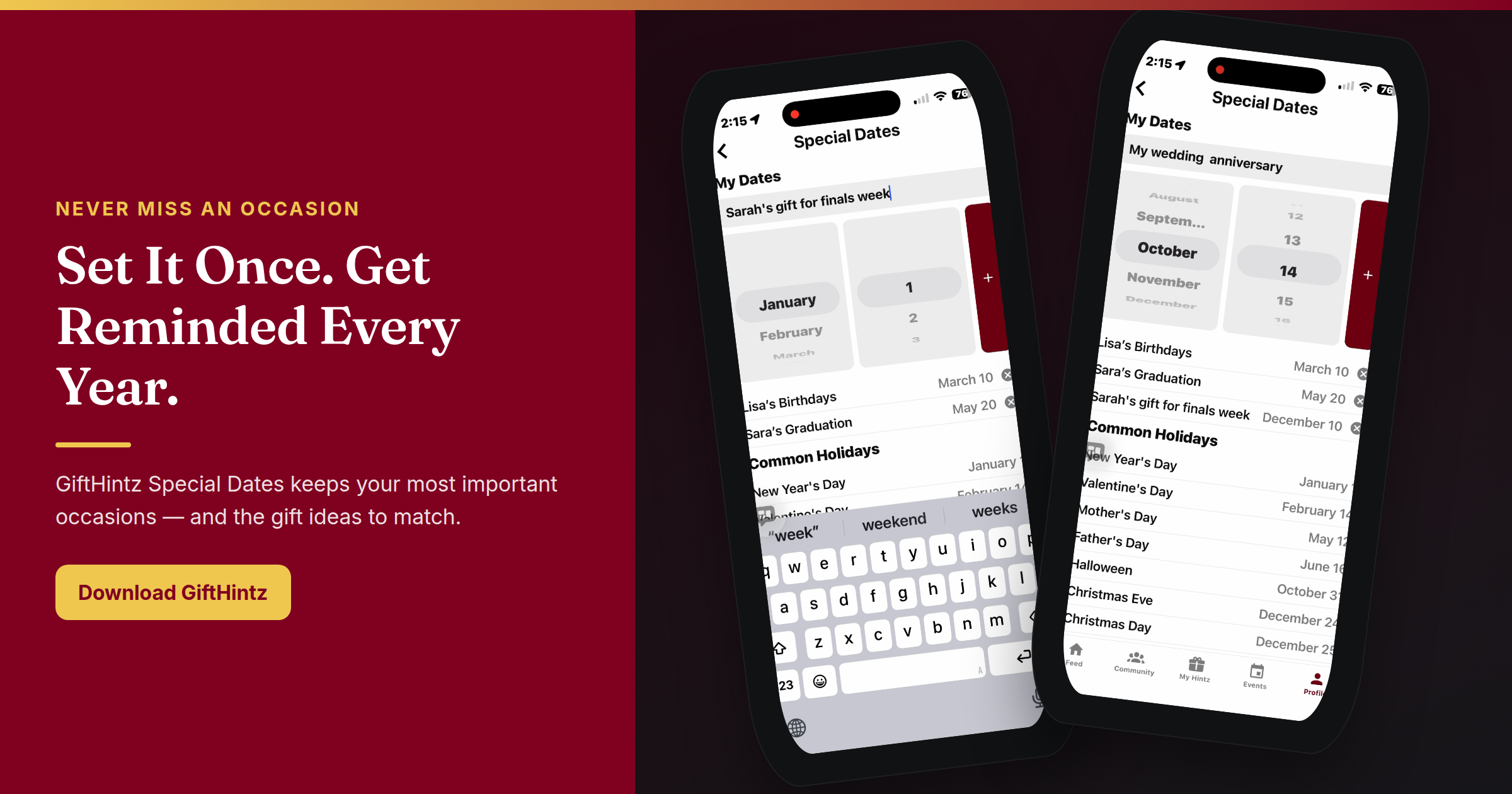
Open GiftHintz and tap the Events tab. Add a new event — name it, write the invitation message, set the date, add the venue address if you want. Choose an invitation card from the library or upload a photo. You can also enable a Surprise toggle if the honoree is in the guest list and shouldn’t see the gift details before the event.
Step 2 — Build the Event Wishlist
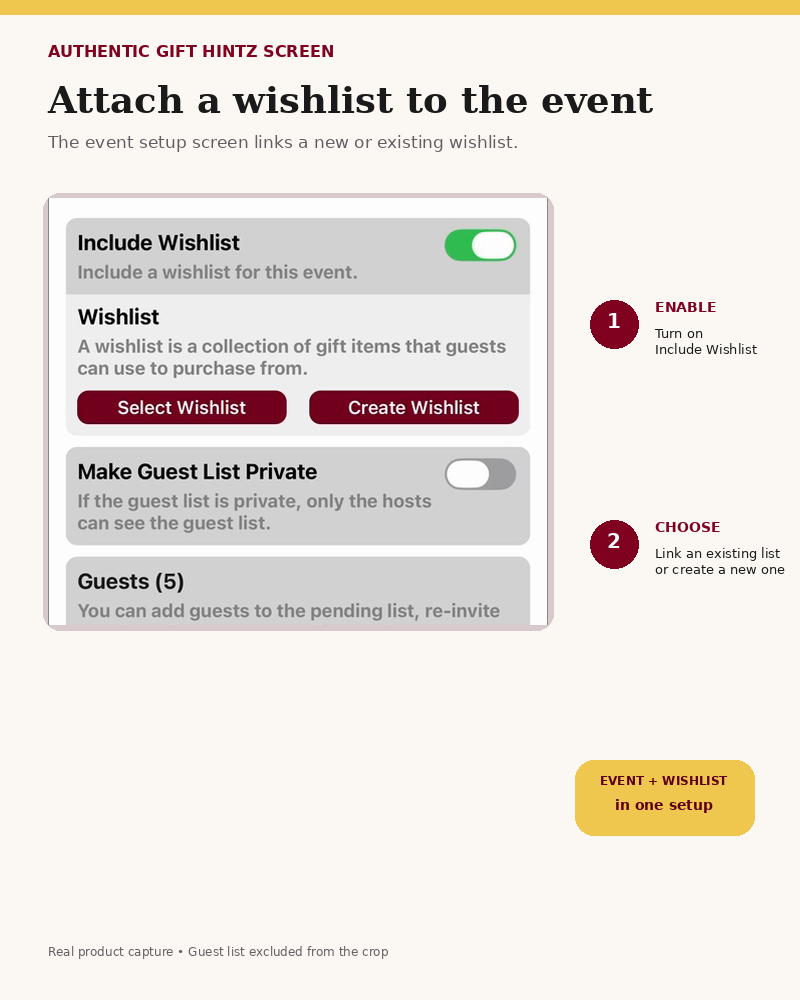
On the Event Guests setup screen, turn on the “Include Wishlist” toggle. You can either create a fresh wishlist for this event or link the honoree’s existing GiftHintz wishlist directly — so guests can shop from items the couple has already curated, not items the organizer guessed at.
Step 3 — Add a High-Ticket Group Gift
Here’s where it gets useful for wedding parties specifically. Add the big item — a honeymoon experience, a KitchenAid mixer, a weekend away, a Dyson — as a contribution gift. Browse to the product page inside GiftHintz’s built-in browser, select the product images and let the AI capture the details, then mark it as a contribution item so multiple guests can pool toward it. Set the funding goal.
Step 4 — Invite the Bridal Party (and Guests)
Add guests from your contacts or enter email/mobile numbers manually. GiftHintz sends each guest a beautifully formatted event invitation — a real digital invitation card, not a calendar link. Guests open it from email or SMS, see the full event details, RSVP directly from the invitation page, and tap through to the attached wishlist from the same screen. No app required on the guest side.
Step 5 — Guests Contribute Directly
From the wishlist or gift screen, guests tap Contribute, write a personal message (optional anonymity available), choose their amount, and confirm. GiftHintz tracks every contribution and shows real-time funding progress toward the goal. No Venmo, no spreadsheet, no follow-up texts.
Step 6 — Mark It Purchased, Send Thank-Yous
Once the gift is fully funded, the organizer marks it as purchased. GiftHintz surfaces a full contributor list — everyone who chipped in, how much — so the thank-you messages can be personal and accurate. Add a photo of the gift or the moment. Everyone who contributed sees that it happened.
How This Works in GiftHintz: What Guests Actually See
When a guest receives a GiftHintz event invitation, it arrives as a properly formatted email or SMS — not a plain link. They open it in their browser to an animated invitation card with full event details: date, time, location, RSVP options, and a direct link to the attached wishlist.
From the wishlist page, guests can browse every item the couple has added, see which gifts have already been purchased or are being funded, and contribute or purchase in a few taps. The interface transitions seamlessly from the web invitation into the GiftHintz app if they have it, or keeps them in the browser if they don’t. No account required to RSVP or view the wishlist.
For guests who need a little more guidance on what to get, the Hint Request feature means they can ask the honoree directly from the invitation — a structured, polite ask that routes a curated wishlist share back to the person who needs gift inspiration.
Why the Gift Card Default Costs Everyone
A $50 gift card to a restaurant the couple never visits is a missed opportunity wrapped in a greeting card. Nobody feels good giving it, and the recipients forget about it by the second week of the honeymoon.
Six bridesmaids contributing $50 each is a $300 gift — something the couple uses for a decade, references in conversation, and remembers who gave them. GiftHintz makes the coordination disappear so the only thing left is the moment. The goal isn’t to make group gifting feel like a payment split — it’s to make it feel like everyone showed up.
Bridesmaid Gifts, Guest Coordination, and Everything Else
The same infrastructure applies beyond the group gift itself. GiftHintz event invitations handle the full coordination stack for a wedding party:
- RSVP tracking — see who’s attending, how many guests, in real time
- Per-event wishlists — separate from the couple’s main registry, built specifically for the shower, the bachelorette, or the rehearsal dinner
- Bridesmaid gifts — the maid of honor can attach a wishlist for the bride to the bridal shower invitation so guests actually bring things she wants
- Guest list expansion — add late RSVPs or new guests to an already-sent event without starting over
One event, one invitation, one coordination tool. No spreadsheets, no Venmo chaos, no group-chat coordination debt.
Start Before You Need It
The best time to set this up is before the group chat starts asking “so who’s handling the gift?” Create your first wedding‑party event on GiftHintz, add a high‑ticket experience gift, and invite your bridal party to contribute — no spreadsheets or Venmo chaos required.