You’ve seen the format: a creator holds up their phone to a wishlist, walks through what they actually want, and the comments fill with "linking this," "buying the second one," "group gift anyone?"
Then the video ends. The list disappears into a link-in-bio nobody navigates back to. The sale doesn’t happen. The follow-up content doesn’t materialize. And the creator moves on to the next post.
That’s a broken content loop — and building a real creator wishlist content strategy around it is the closest thing to passive content income most creators aren’t using.
Your Wishlist Is a Content Asset — Treat It Like One
The wishlist-reveal format works because it’s one of the most authentic things a creator can publish. No brand deal, no affiliate disclosure, no tutorial. Just you, honestly wanting things. That vulnerability converts.
But the standard execution wastes most of the upside. A screenshot in your Stories isn’t a content strategy. A public GiftHintz wishlist is.
The difference: when you publish a public wishlist on GiftHintz, it becomes a living page your audience can act on directly. Fans can browse it, clone items into their own wishlists — earning you a commission through GiftHintz’s attribution system — or contribute toward your high-ticket wants through Group Funding. Your creator gift registry stops being a static screenshot and becomes a two-way gift economy.
The Content Loop That Actually Closes
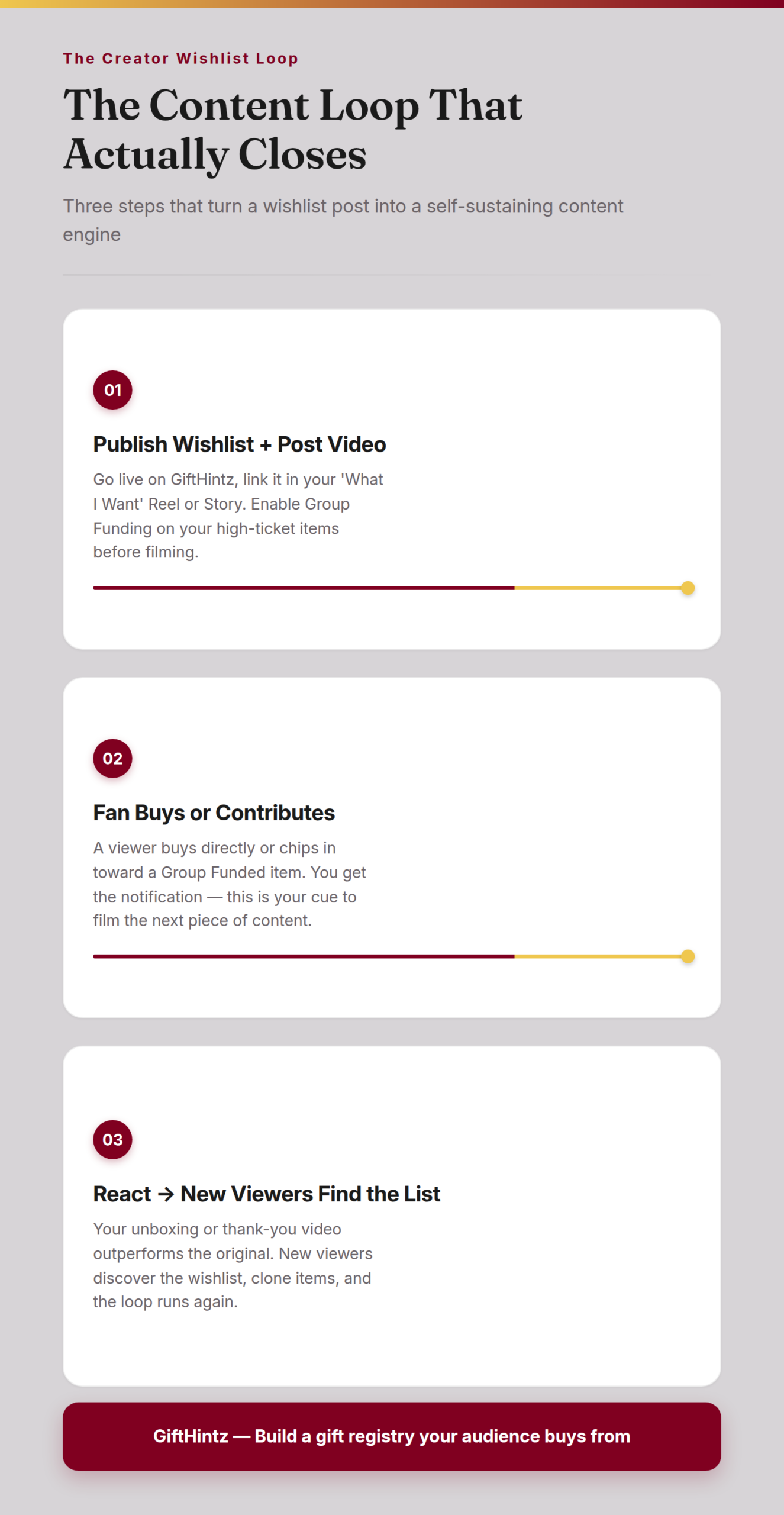
Most creators are one step away from this system — they just haven’t connected the pieces. Here’s how it runs:
- You publish your wishlist on GiftHintz and link it in your next video: "This is what I’m actually wanting right now," or "drop something from my list in my DMs."
- A fan buys something from the list. You get the notification. You react — on camera, genuinely — in your next Story or video.
- The reaction content drives more followers back to the list. New viewers see what was already bought (social proof), see what’s still available, and the loop continues.
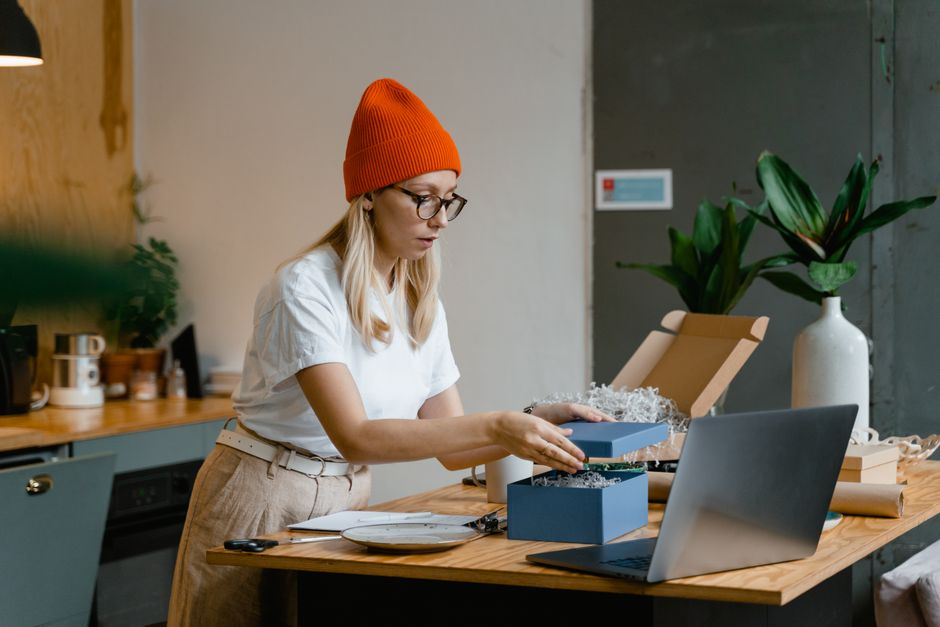
The reaction video is the engine. Authentic unboxing and thank-you content consistently outperforms tutorial content for watch time, because audiences who participated want to see the outcome. The public wishlist structure makes this automatic — a fan buys, you react, the next audience sees the momentum.
How to Set Up Your Creator Gift Registry on GiftHintz
Getting started as a creator takes under 10 minutes. Open the three-line menu, navigate to Inspo and Collections, and set up your first curated board. Add individual Inspo items by searching for the product you want to feature — it appears as a shoppable recommendation on your profile — then organize them into a named Collection: "Studio Gear I Actually Use," "Birthday Wishlist 2026," or any framing your audience recognizes.
For the public wishlist specifically:
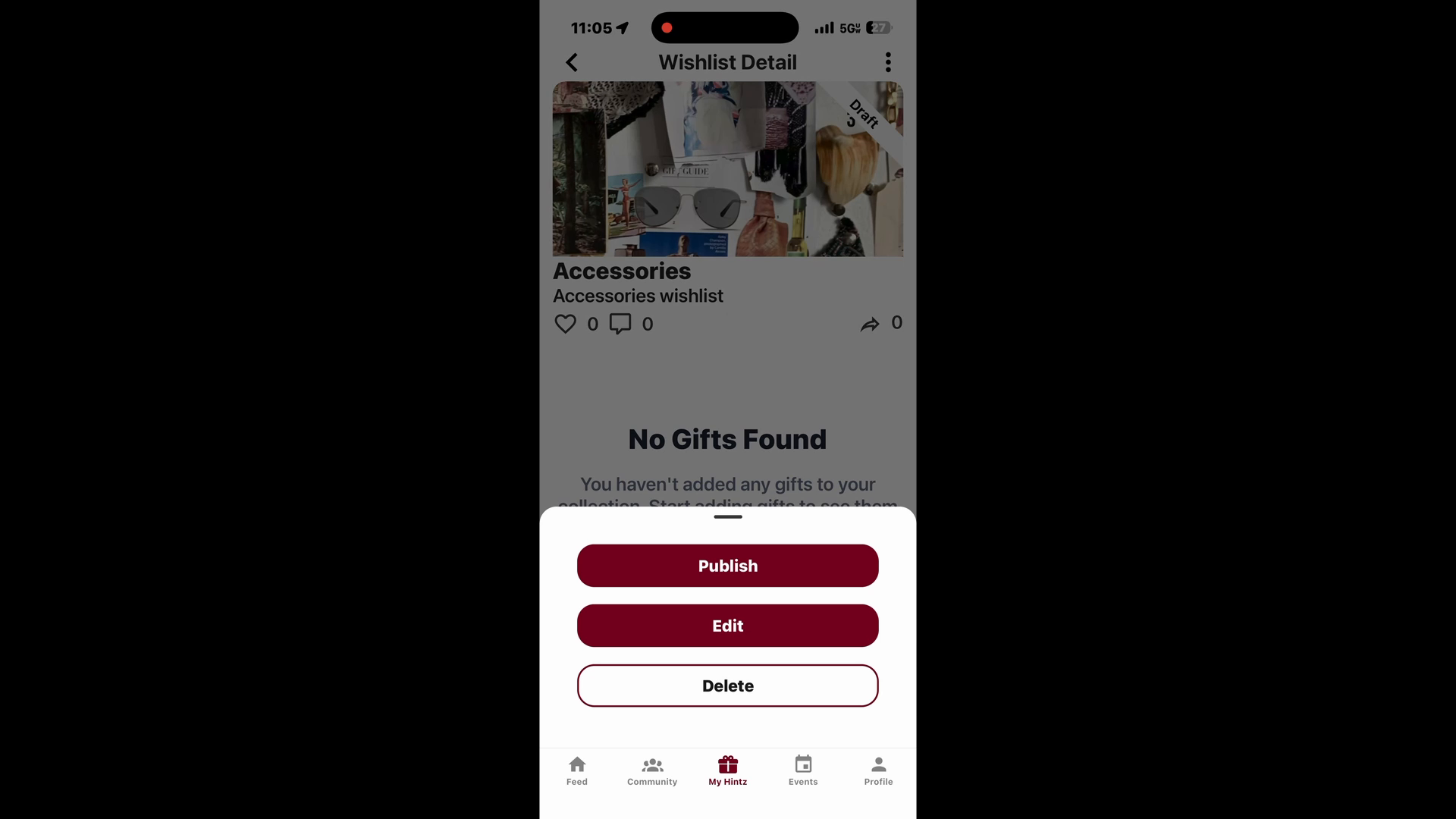
- Open your Gifts dashboard, switch to Wishlists, and tap Create. Select Wishlist as the type.
- Set a banner that matches the aesthetic you’d use in a thumbnail — this is a content asset, so the visual matters.
- Name it specifically. "Things I Want" is forgettable. "My Studio Upgrade List" or "Fall Birthday Wishlist" signals intent and gives fans a reason to share it.
- Publish it. The wishlist is now live and shoppable.
- Enable Group Funding on your high-ticket items before you go live with the video — that’s what turns passive browsing into active participation.
Group Funding: The Feature That Changes What You Ask For
Creators routinely self-censor their public wishlists. They cut the $400 items and swap them for $30 alternatives, because putting something expensive on a public list feels like an overreach.
Group Funding reframes the ask entirely. When you enable it on a gift, fans see a contribution goal, not a price tag. Anyone chips in what they choose — $10, $25, whatever fits. Contributions can even be set to anonymous until a date you pick, which creates a genuine reveal moment you can film. The flow for a fan: find the item on your public wishlist, add a personal message, choose their amount, and check out in under two minutes.
This means you can publish your actual wish list — not the curated-for-optics version — and the community decides how to show up for it. Authenticity is the format’s entire value. Group Funding is what makes it structurally honest.
How This Works in GiftHintz
Picture the full creator loop: you post a "What I Want" Reel and link your GiftHintz Creator Showroom in the description. A viewer clones a candle set into their own wishlist — that clone earns you an attribution commission through GiftHintz’s system. Another viewer contributes $30 toward the standing desk with Group Funding enabled.
You post one follow-up: "Something from my list arrived — come unbox it with me." That video pulls more engagement than the original, because the audience gifting you already has skin in the game. New viewers discover the original list through your reaction content, clone their own items, and the cycle continues.
This is the creator gift registry model at full speed. GiftHintz is the first system that runs it as designed infrastructure, not a workaround built on Amazon links and crossed fingers.
Turning Your Board Into a Gift Registry: The Quick-Start Checklist
- Publish a wishlist on GiftHintz with a branded banner that matches your content aesthetic
- Name it with an occasion or context — not a generic title
- Add a mix of price points: accessible items fans can buy outright, plus 2–3 high-ticket items with Group Funding enabled
- Link your GiftHintz profile in every relevant video description during the campaign
- Film a reaction or unboxing every time something arrives — that’s the flywheel running
The List That Gives Back
The wishlist-reveal trend works because it’s human: what you actually want, honestly shared, without a brand brief behind it. Creators who turn it into a system are the ones who close the loop — the list drives the buy, the buy drives the reaction, the reaction drives the next viewer to the list.
GiftHintz is the infrastructure that makes it a circuit, not a one-off post. Your public wishlist, your Group Funding tiers, your Creator Showroom — it all runs together.
Publish your public wishlist on GiftHintz, share it in your next "What I Want" video, and enable Group Funding so fans can pool for the items on your list.